Getting Started with pyOpenCL in WSL
In the past, I experimented with GPU programming, using CUDA on Nvidia GPUs. Back then, the bandwidth of the PCIe interface between the CPU and the GPU was deemed to be one of it's Achilles heel. It was about the same time when AMD was putting out APUs post-ATI acquisition, but at that time, the company was just struggling compared to it's peer, Nvidia. Having highly capable and complex CPU cores with massively parallel GPU cores share the same memory space and working together in a heterogeneous compute environment sounded like a dream.
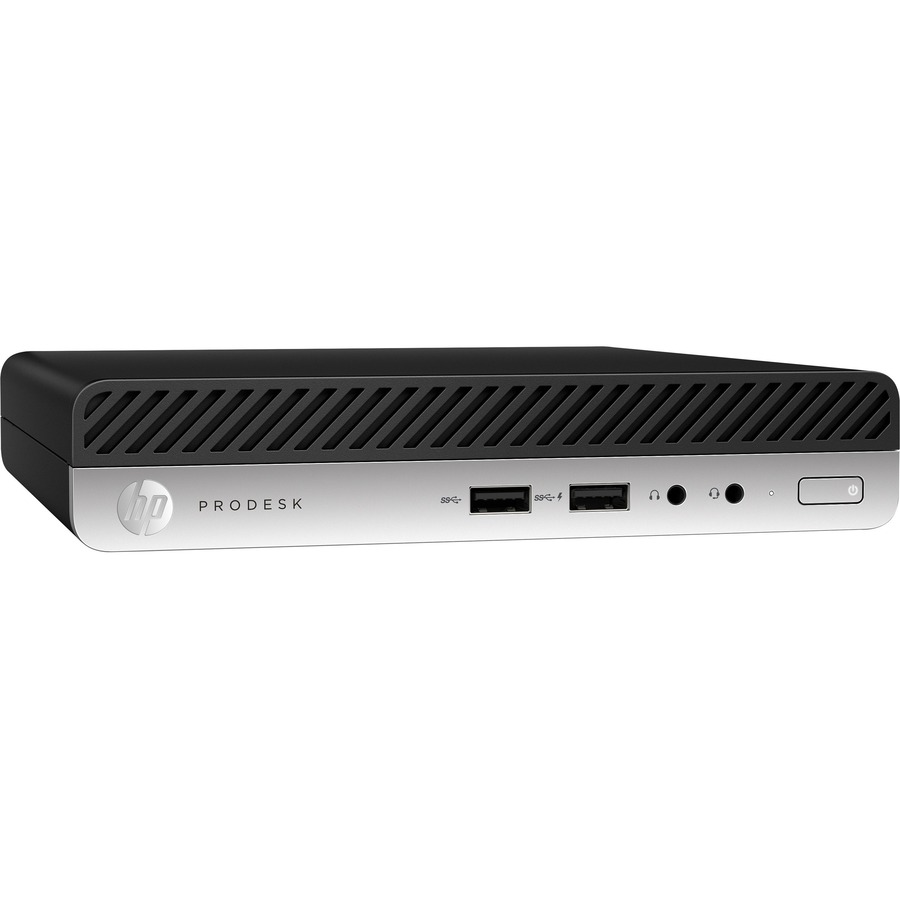
I recently had to look into buying a Windows PC for my wife and I found some nice used mini PCs with a 35 W AMD Ryzen 5 PRO 2400GE on ebay. I found them very interesting and decided to purchase one.
I'll attempt to use this GPU for general purpose compute and see how things go. I'll just install the necessary libraries, and run some sample code. This is also an opportunity for me to test this out in WSL and see if it works.
I used the guide in https://homepages.math.uic.edu/~jan/mcs572f16/mcs572notes/lec29.html to get started.
Installed pyopencl by running
pip install pyopencl
import pyopencl
from pyopencl.tools import get_test_platforms_and_devices
get_test_platforms_and_devices()
LogicError: clGetPlatformIDs failed: PLATFORM_NOT_FOUND_KHR
get_test_platforms_and_devices() , I get
ROCR: unsupported GPU
[(pyopencl.Platform 'AMD Accelerated Parallel Processing' at 0x7f1ed0437fd0,
[])] 